Customer care software
Bring customer conversations, records, and next actions into a workflow your team can use. We develop customer care software around the service you provide and the systems you already run.
Explore customer care software ↗

Review management software
Give your team a consistent way to review feedback, assign follow-up, and understand recurring themes. We build review management software around the locations, people, and platforms involved.
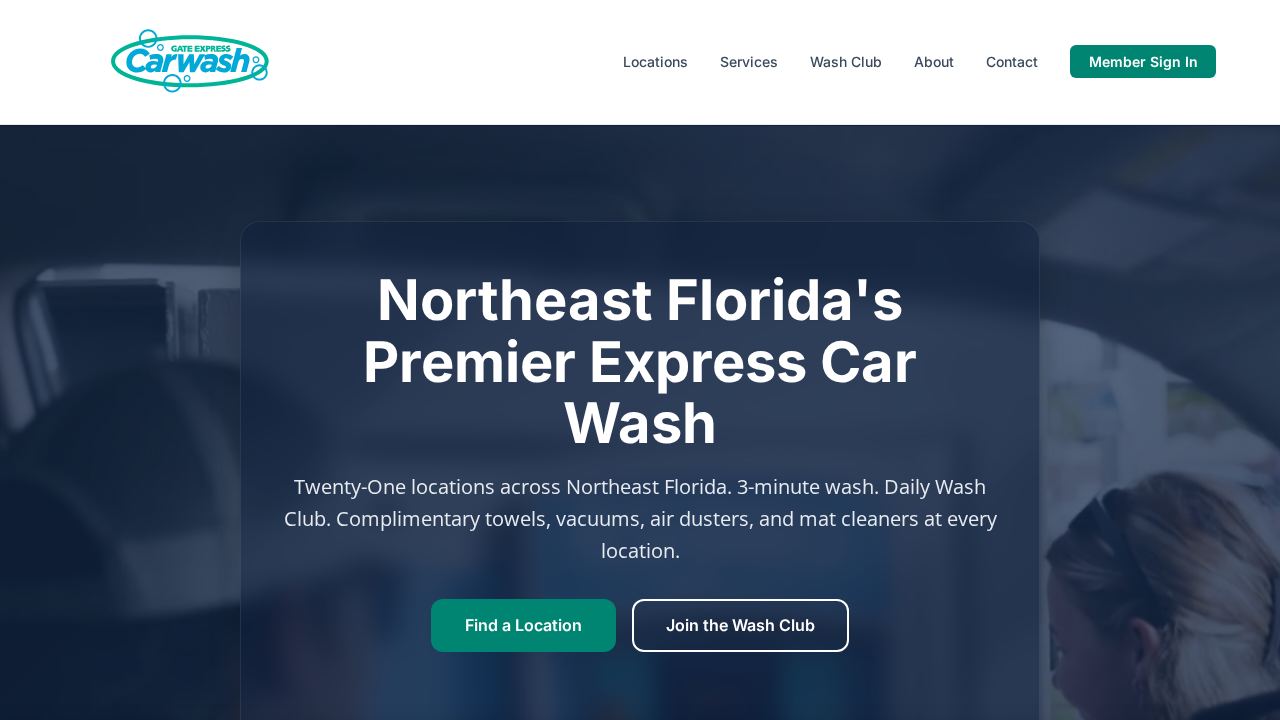
We built review management software for GATE alongside public relations and campaign management tools.
Explore the project ↗Start with your challenge
Choose the closest match. See what a useful first step could look like.
Your starting point
A useful first phase can include:
We agree the scope, responsibilities, and success measures with you before work begins.
Your starting point
A useful first phase can include:
We agree the scope, responsibilities, and success measures with you before work begins.
Your starting point
A useful first phase can include:
We agree the scope, responsibilities, and success measures with you before work begins.
Feedback arrives across locations and platforms, but the people responsible do not always see it at the right time. A review management application can bring authorized records into a consistent workflow and help the team respond thoughtfully.
Who it’s for: Multi-location operators, customer experience teams, location managers, and organizations that need a shared feedback process.
Shape the system around your team
These are scope options. The right combination depends on your workflow, data, and operating responsibilities.
Organize feedback by the location or service it concerns. Agree the identifiers and access boundaries so the right people can see the records they are responsible for.
Assign a response, request review, or escalate a service issue. The scope identifies who can publish, which responses require approval, and how the team handles sensitive details.
Group the feedback your team needs to understand, with a path back to the original record. Distinguish response activity from a change in ratings or customer experience.
Use authorized access and supported interfaces where available. Platform permissions, rate limits, and policies are part of the design; a custom dashboard does not override them.
Map the people, tasks, records, and exceptions. Compare custom development with improving the tools already in place.
Agree the first release, access boundaries, integrations, and acceptance examples. Use a prototype when it helps resolve uncertainty.
Review working increments. Test the important tasks and failure cases with the people responsible for the system.
Release the accepted scope, document ownership and recovery, and agree the support and improvement plan.
Yes, the scope can include a location hierarchy, shared reporting, and role-specific access. We agree what local staff and central teams may see and change before implementation.
No. The work supports genuine feedback and a responsible response process. It does not create reviews, promise removal, or hide unfavorable feedback from an otherwise eligible customer.
Often it is a narrow workflow: see the agreed feedback, assign an owner, and track the next action. Additional reporting and connections follow once that workflow is useful to the team.
Some workflows need more than one type of software. Explore the related scopes, or start with our custom software development services to plan the whole system.
Bring customer conversations, records, and next actions into a workflow your team can use. We develop customer care software around the service you provide and the systems you already run.
Explore customer care software ↗Manage the work behind a PR program in one clear flow. We develop public relations management software around planning, coordination, approvals, and the record of what was published.
Explore pr management software ↗Connect campaign briefs, tasks, assets, approvals, and reporting in a system that fits your team. Keep the plan and the next action visible from preparation through review.
Explore campaign management software ↗Tell us who uses it, where work gets stuck, and what a useful result would look like. We’ll help you define the next step.
Plan your review management software ↗